



TLDR: Google shows only a verified profile on Maps and Search, and says rankings for a new business can take up to a month to appear. If your restaurant is missing, check verification, suspension, address, name, duplicates and your website in that order, and do not edit, re-apply or request a new code before the published windows have run out.
You have a signed lease, a finished kitchen and a booking page, and a guest who searches your name finds nothing. Or a pin on the wrong street. Or a profile that has said "verification" for ten days. The first thing to settle is whether the profile is inside Google's normal waiting windows or genuinely broken.
Every figure below is the platform's own published number, as read on 15 October 2026. None is a guarantee. Google, Bing and Apple publish ranges. The calendar below puts them side by side. After it come the checks for when the calendar has run out and what AI answers can say about a venue while its map profile catches up.
How long does a new restaurant take to show up on Google Maps?
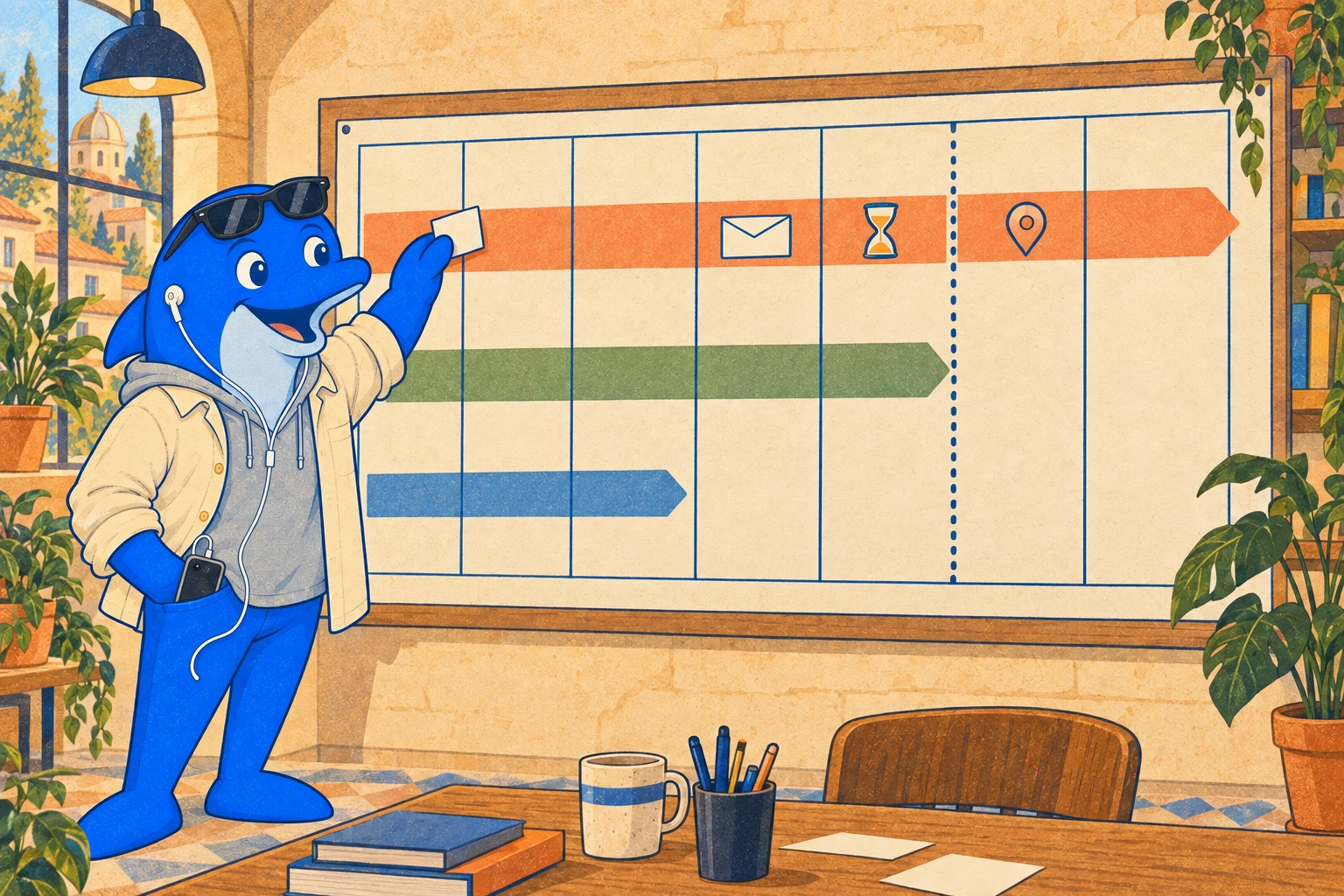
Once a profile is verified, Google says rankings for a new business can take up to a month, and edits can take up to three days to appear. Verification adds anything from no time at all to about three weeks, depending on the method Google offers you. On Google's upper-end figures, the slowest ordinary path is about seven weeks from the postcard request to a ranking.
| When | Published window | What to do that week |
|---|---|---|
| Day 0, creating the profile | Only verified businesses show their info on Maps and Search. Google decides which verification methods you see, and you cannot change them. | Create the profile with the final name and address. Set an opening date if you have not opened. Choose video if it is offered, because Google recommends it. |
| Week 1, phone, text, email or video | Google gives no time for the steps. After you finish them, the review takes up to five working days, occasionally longer. | Finish the steps in one sitting. Keep the business phone answerable, because an automated phone menu cannot receive the code. |
| Weeks 1 to 3, postcard | Most codes arrive within 14 days. A code expires after 30 days. | Do not edit the name, address or category, and do not request a new code. Either breaks the code in the post. |
| Any week, instant | Google can verify at once if you verify your website in Search Console, or use bulk verification. | If you own the website property, verify it first. |
| After verification | Edits are usually reviewed within 10 minutes and sometimes take up to 30 days. Accepted changes can take up to three days to appear. | Make edits in one batch. Check the status in Edit profile. |
| Up to a month after verification | Rankings for a new business can take up to a month to appear. | Search the exact name and town first. Judge "restaurants near me" later. |
| Bing | A postcard PIN typically arrives within 5 to 6 days and may take up to 12 business days. After verification a listing usually takes 7 to 12 calendar days to publish. Beyond 12 days it may need review. | Stop editing while it is pending. After day 12, contact Bing Places support. |
| Apple Maps | A first location needs your organisation verified, which can take up to five business days. A place already on Maps can be verified by phone call. Opening Soon takes a date no more than six months ahead. | Add the location with the same name, address and hours as Google. |
Before opening day, an opening date changes what guests can do. Google shows a verified profile 90 days before the date. Until the restaurant opens, customers cannot suggest edits or post reviews or photos, so a soft-opening review drive has nowhere to land.
What does the slowest ordinary case look like?
Take a restaurant that opens 42 days from today and starts its profile today (day 0). The arithmetic uses Google's upper-end figures.
Assumptions: five working days is 7 calendar days; "up to a month" is 30 days, counted from verification; the steps are done on day 0 with the final address; nobody edits the name, address or category in the meantime.
| Route | Verified by | Ranking window ends | Against opening on day 42 |
|---|---|---|---|
| Postcard | Day 21 (14 days for the code, then 7 for the review) | Day 51 | 9 days after opening |
| Phone, text, email or video | Day 7 (steps on day 0, then 7 for the review) | Day 37 | 5 days before opening |
| Instant, through Search Console | Day 0 | Day 30 | 12 days before opening |
Google promises none of these dates. Only the postcard route can still be running after opening, so if a postcard is your only option, start at least eight weeks ahead, because at Google's upper-end figures the postcard route needs 51 days to reach a ranking. Do not leave it to the final fortnight.
What does "not showing" actually mean?
Three different problems share that phrase, and each has a different cause.
- Not found by exact name and town. The profile is probably unverified, suspended or ineligible. Start at step 1 of the checklist below.
- Found by name, missing from "Italian restaurant near me". This is the ranking window. Google says rankings for new businesses can take up to a month, so the profile may be on time.
- Found, but the pin, hours or phone number is wrong. This is an edit problem. Check the edit status (step 7) before changing anything again.
What are the eight steps to check when your new restaurant still isn't on Google Maps?
Work through these in order. The first four decide whether the profile can appear at all.
- Look for the profile as a guest, then as the manager. Search the exact name and town in Google Maps while signed out. Then sign in to the Google Account that manages the profile, because Google says you must use that account to find it. A profile that still shows a Get verified button is not live to guests.
- Finish verification, and leave a postcard alone. If Get verified is still on the profile, re-verify or try another method it lists. On the postcard route, do not edit the name, address or category and do not request a new code. A new request invalidates the code already in the post. If Google asks for more information, it is likely because the business details changed recently.
- Check for a suspension. A profile that breaks Google's guidelines is disabled or suspended and does not show to other users until you resolve the issue. Use Google's appeal tool, and do not create a new profile for the same business while the appeal is under review. Open the evidence form only when you have your documents, because you must submit it within 60 minutes. Evidence includes a business registration, a licence, tax certificates and utility bills that match the name and address on the profile.
- Check the address and the pin. Use a real, precise address. PO boxes and remote mailboxes are not accepted, and a virtual office is not eligible. If the address has no street number or the system cannot find it, pin the location on the map. In the UK, a brand-new unit may not be in Royal Mail's address records yet, a plausible reason for an address lookup to fail. Royal Mail issues a postcode only when the council asks, then holds the address as pending until the works are complete, delivery is not obstructed and there is a letterbox. Richmond council sets out the sequence. Elsewhere, ask your local authority.
- Check the name. Use the real-world name on your shopfront and website. Taglines, hours, phone numbers, URLs and location details do not belong in it. Google says unnecessary information in the name could suspend the profile.
- Look for a duplicate. Google's guidelines allow only one profile per business and no more than one page for each location, so a second profile for the same address is a duplicate. If a profile for your address already exists on Maps, claim it instead of adding a second. If the place is missing altogether, add a missing place, and it shows publicly once added.
- Read the status of every edit. An edit shows as Accepted, Pending or Not approved. Pending usually clears in 10 minutes but can take up to 30 days, and accepted changes can take up to three days to show. Check the status before you change it again.
- Make sure the website can be found. Google says crawling can take anywhere from a few days to a few weeks, and a recrawl request does not guarantee inclusion. Use the URL Inspection tool for a few pages. Verifying the website in Search Console can also verify the profile at once.
What do AI answers use while your Maps profile catches up?
An AI answer about a restaurant does not wait for a map pin. It draws on whatever pages and listings it can read, and for a new venue that means your own site and whatever third parties have published about it.
What do assistants read when a venue has no verified profile?
Google says a page must be indexed and eligible to show with a snippet to appear as a supporting link in AI Overviews or AI Mode, and that there are no other technical requirements. Both features may run several related searches ("query fan-out") to build one answer, so a single question about your restaurant can touch several pages. See Google's guidance on AI features.
An independent audit gives a sense of what separates venues that appear. A researcher counted 4,776 cafes, restaurants and bars in two Indonesian markets and compared them with 2,208 answers from ChatGPT, Claude, Gemini and Perplexity. 85.6% of venues were never recommended. Appearing in answers was associated with review volume, having its own website, listed prices and third-party web mentions. Star rating was not associated with getting in, though it predicted first position among venues that did appear. The systems also recommended permanently closed venues 93 times, and agreed with each other only partly. This is an association from a single foreign market, not a rule for yours.
A new venue controls its website and its prices and can earn mentions of its opening. Review volume has to be earned over time. Yext, which sells listings management, found in a study of location queries across ChatGPT, Gemini and Perplexity that 41.6% of foodservice citations came from listings. That is vendor research, so read it as a pointer to keep every directory consistent, not as a ranking factor.
What can you publish in the week the profile is missing?
- One page for this restaurant. Put the address, opening date or status, menu and booking link on the same page. Our guide to restaurant menu pages that AI search can read covers the build.
- The same facts everywhere. Compare your website with up to three public listings in our free Restaurant Listing Mismatch Checker. It labels a fact unknown when a source cannot support a clean comparison.
- Markup that matches the visible page. Google documents Local Business structured data, including a Restaurant example with address, opening hours, cuisine and price range.
- A dated status you then remove. Write "opening on 1 December" while that is true, and change it on the day. Closed venues in the audit above were still being recommended, so stale status is the failure to avoid.
We found no source showing that a verified Maps profile makes an assistant mention you sooner, or the reverse. Ask the same buyer question on each engine that matters to you every week and keep the answers, because the engines disagree with each other.
When should you stop waiting and ask for help?
| Where | Stop waiting when | Do this |
|---|---|---|
| Google verification | The review runs past five working days, or the postcard has not come by day 30, when the code expires | Contact Google support if you cannot verify. A new request invalidates the code in the post, so wait for the 30 days to pass before you ask for another. |
| Google edits | An edit is still pending after 30 days, Google's stated outer limit | Check the status in Edit profile. Appeal a Not approved edit where Google allows it. |
| Google ranking | The profile is verified, has no alerts and still does not show by exact name a month later | Re-check steps 3 to 6, then ask Business Profile support. |
| Bing | The listing is unpublished beyond 12 calendar days | Contact Bing Places support. |
| Apple Maps | A location managed by another organisation is still in transfer review after five working days | Contact Apple Business support. |
Groups opening several sites repeat this wait at each one. Our guides to Google Business Profile governance across locations and protecting AI visibility while expanding cover running it at scale, and the new-city opening checklist covers a venue with no history.
Where does Schmitdy fit into this?
We cannot verify, unsuspend or speed up a Google profile. Only Google can. What we do is the check after the profile is live: our free AI Search audit records how your venue shows up across ChatGPT, Claude and Google AI for the buyer questions that matter in your market, what shapes those answers, and what to fix first in a prioritised 30-day plan. Marco reviews every accepted request. For a profile that is unverified, suspended or ineligible, fix that first. The audit cannot do those fixes for you.
| Approach | What it fixes | What it leaves open |
|---|---|---|
| This checklist, and waiting the published windows | Verification, address, name, duplicates and edit status | What assistants say about the venue |
| Google support and the appeal tool | A stuck verification or a suspension that only Google can lift | Facts that disagree across other directories |
| A listings-management platform | One set of facts pushed to many directories | What assistants say about the venue, and why |
| Schmitdy's free audit, once the profile is live | What AI answers say, which sources shape them and a 30-day plan | A profile that Google has not verified |
If your profile is live and assistants still skip or misdescribe your restaurant, bring the opening date and the addresses you use and request a free AI Search audit.
Sources
- Google Business Profile Help: Verify your business, for methods, the postcard window, the five-working-day review and instant verification.
- Google Business Profile Help: Find your business on Google, for verified-only visibility, the new-business ranking window and suspension.
- Google Business Profile Help: Add or claim your Business Profile, for claiming an existing profile.
- Google Business Profile Help: Guidelines for representing your business, for address, name and one-profile-per-business rules.
- Google Business Profile Help: Add an opening date, for the 90-day display window and pre-opening limits.
- Google Business Profile Help: Edit your business info, for edit status and review time.
- Google Business Profile Help: Fix suspended or disabled profiles, for the appeal tool and evidence.
- Google Maps Help: Add a missing place.
- Google Search Central: AI features and your website.
- Google Search Central: Ask Google to recrawl your URLs.
- Google Search Central: Local Business structured data.
- Bing Places for Business: Frequently asked questions, for the postcard PIN timing and the 7 to 12 calendar day publishing window.
- Apple Business User Guide: Add a location and Sign up and verify your organisation.
- arXiv 2608.07069: "Invisible to the Machine" (Pitenin), an independent census-based audit of AI venue recommendations.
- Yext: AI citations research release, vendor research, October 2025.
- London Borough of Richmond upon Thames: Postcode allocation for new properties, updated 22 May 2026.


 Squarespace
 Webflow
 Sanity
 Shopify
 HubSpot