



TL;DR: Give every event one maintained record for its status, venue, performer, doors, start time, last admission, age rules and official ticket route. When a plan changes, update that record first, then ticketing, structured data, profiles, customer messages and the door team.
Find the weak points in your venue information with a Schmitdy AI-search audit.
By Marco Lobo
Last updated: 25 September 2026
A guest deciding whether to attend tonight needs a short set of facts. Is the event going ahead? Which room is it in? When do doors open? Who is playing? Can a 17-year-old enter? Is there a last-admission time? Which link sells a valid ticket?
For a live-music or late-night venue, those facts move. A support act drops out. Doors shift by 30 minutes. A show moves upstairs. Tickets sell out. A licence condition or event policy sets an earlier final entry than the building's closing time. The useful answer is a maintained event record and a clear change process.
Music Venue Trust's 2024 annual report counted 162,092 events across 810 UK grassroots music venues. That scale makes event information an operations job, not a one-off copywriting task.
Which event facts need one source of truth?
Keep one approved event sheet in the system your team already uses. It can feed the public event page, the ticket listing and the door brief. The tool matters less than ownership and a visible last check.
On a phone, swipe sideways to read every column.
| Event fact | What to record | Operational owner |
|---|---|---|
| Status | Scheduled, sold out, postponed, rescheduled or cancelled | Promoter or event lead |
| Place | Venue name, room, full address and access route | Venue manager |
| Timing | Public opening hours, doors, show start, expected finish and last admission | Duty manager |
| Billing | Headliner, support acts and running order where confirmed | Booker or promoter |
| Entry | Minimum age, adult-accompaniment rule, accepted ID and re-entry policy | Security lead |
| Tickets | Official sales URL, box-office route, availability and event-specific refund terms | Ticketing owner |
| Access | Step-free route, accessible viewing, companion-ticket process and contact | Access lead |
Use plain status words. “Postponed” means there is no confirmed replacement date yet. “Rescheduled” means the new date is confirmed. “Cancelled” means the event will not take place. “Sold out” describes ticket availability, not event status.
Show a “checked on” time for late changes. Do not use “subject to change” as a substitute for maintaining the page.
How should you separate the venue, performer and event?
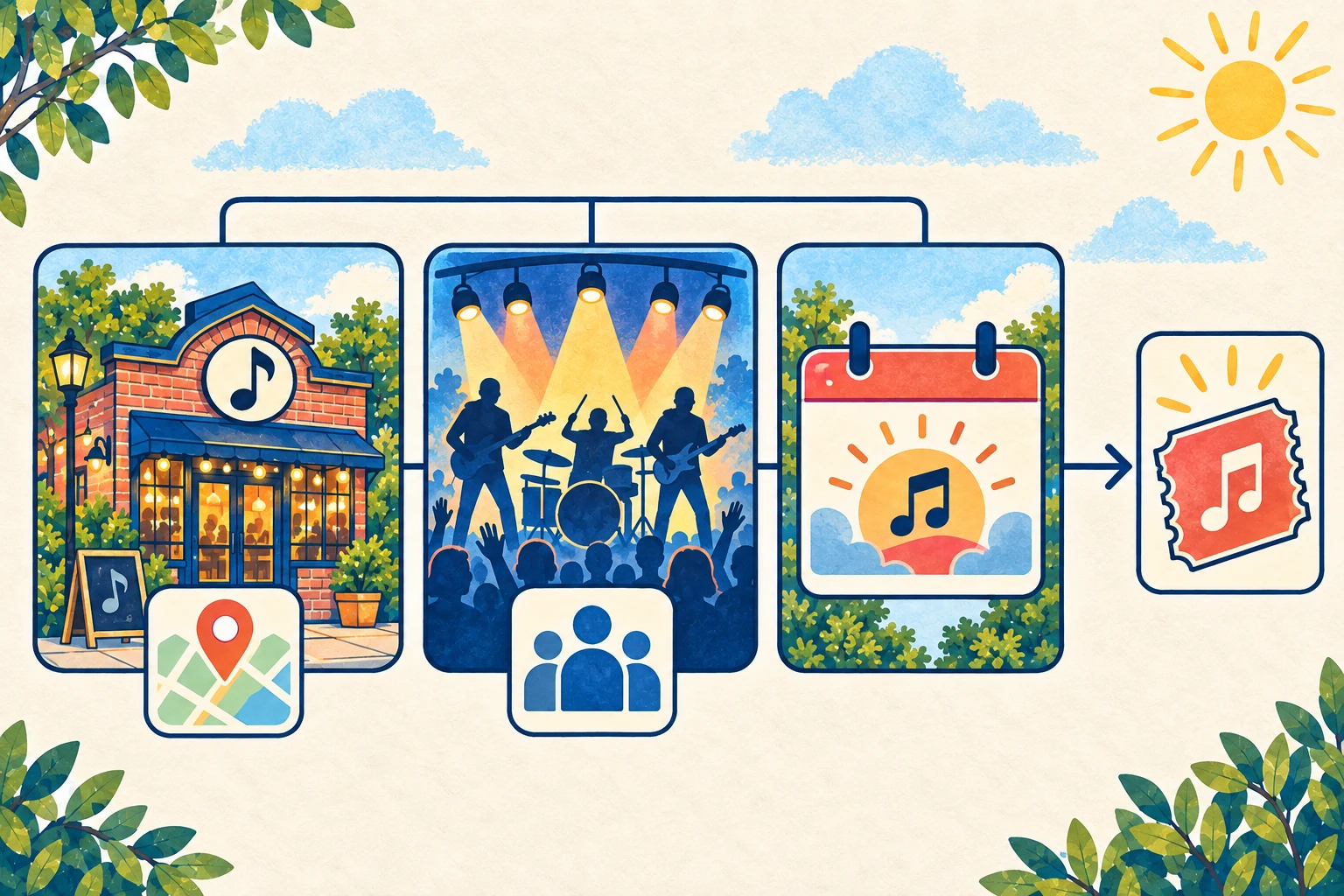
Treat them as three connected records.
- The venue is the permanent place: name, address, rooms, access information and stable contact details.
- The performer is the artist or act appearing on the bill.
- The event is the dated occurrence that joins a performer to a room, time, entry policy and ticket offer.
This distinction prevents a common error: placing the artist name in the venue field or sending every listing to the venue homepage. Google's event structured-data guidance separates location.name from performer.name, and recommends an offers.url for the ticket destination. The public page should make the same distinction without asking guests to understand the markup.
Create a stable page for the venue and a separate page for each ticketed date. If a building has two rooms, name the room on the event page and ticket listing. If a touring act moves to a different venue, change the event location and notify ticket holders. Do not rename one venue page after each headline act.
Google's Business Profile rules add an important limit. They say businesses with varied schedules, including event venues, should not provide business hours in the same way as a shop or restaurant. A bar or club with regular customer-facing hours can publish those hours and use special hours for a brief change. A pure event venue with times that vary by show should put doors and event timing on the dated event page instead of forcing a changing programme into regular hours.
Which late-night times should the event page publish?
“Open late” is too vague for a guest planning travel or entry. Publish the times that affect the decision and label each one.
On a phone, swipe sideways to read every column.
| Label | What it means |
|---|---|
| Venue opens | The building starts admitting customers for its normal operation |
| Doors | Entry opens for this event |
| Show starts | The first advertised performance starts, or the headline time if clearly labelled |
| Last admission | The final time a valid ticket holder can enter under the event policy |
| Expected finish | The best current estimate for the performance ending |
| Bar or kitchen closes | The end of that service, if different from the show or building |
| Venue closes | Customers must leave the premises |
Do not merge doors, show time and last admission into one number. Ticketmaster's venue guidance notes that door times can vary by venue and artist, which is why the venue's current event page should settle the question.
Check the published plan against the premises licence and event conditions. In England and Wales, GOV.UK states that a premises licence covers licensable activities including alcohol sales and serving hot food and drink between 11pm and 5am. Your own conditions can be narrower. The website should reflect the authorised operation, not set it.
Where a bar or club has regular hours and makes a brief change for a special event, Google's special-hours tool can record that exception without changing the weekly schedule. Google says special hours can cover a temporary adjustment or closure of up to six days and explains how to split hours that cross midnight. This option only applies when the profile uses “Open with main hours”.
What belongs on the official ticket route?
Give each event one obvious purchase path. The venue event page should link to the official primary ticket page or its own box office. The ticket page should return to the correct venue and event information. Check both directions on a phone.
Before putting tickets on sale, confirm:
- The event name, date, room and performer match.
- Doors, start time and time zone are correct.
- The minimum age and adult-accompaniment rule are visible before payment.
- Fees, delivery method and event-specific refund terms appear where the ticket seller requires them.
- Accessibility information has a usable contact or booking route.
- A box-office purchase has a clear support path if the event changes.
Ticketmaster tells buyers to check the event information and the venue's official website for age restrictions. That handoff only works when the two surfaces agree. State the event rule itself, not just “ID may be required”. Name the accepted proof of age that your security team will honour, and distinguish admission rules from alcohol-service rules.
In the UK, selling alcohol to someone under 18 is unlawful. GOV.UK's alcohol-licensing guidance also lists an age-verification policy among the mandatory conditions. This does not make every event 18+. An all-ages show, an event for ages 14+ with an adult rule and an 18+ club night are different products. Publish the actual condition approved for that event.
How should you publish a postponement, reschedule or cancellation?
Change the status before you promote anything else. A neat new social graphic does not repair an event page that still says “Book now”.
Use this order:
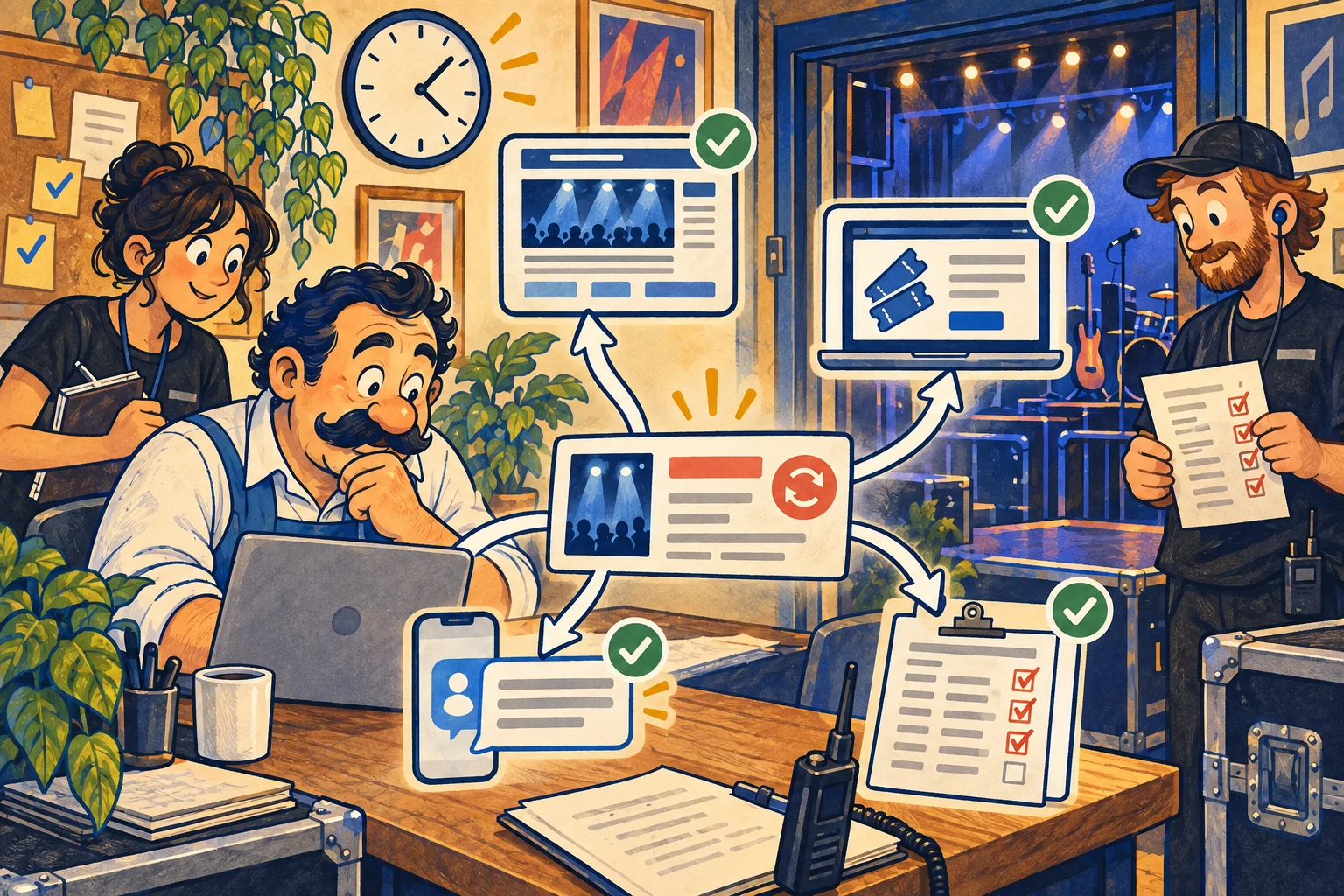
- Confirm the decision and owner. Record who authorised the change, the effective time and whether a new date exists.
- Update the venue's event page. Put the status beside the title. Keep the old date visible for a reschedule and show the confirmed new date.
- Update ticketing and stop the wrong sale. Follow the ticket platform's event-change and refund process. Eventbrite, for example, says its postponed status pauses online sales but does not notify attendees or change the date automatically.
- Contact ticket holders. State what changed, what remains valid, the refund route where applicable and where the next update will appear.
- Update machine-readable event data. Google's guidance supports
EventCancelled,EventPostponedandEventRescheduled. SeteventStatustoEventRescheduledfor a confirmed new date;previousStartDatecan include the former date. - Update linked surfaces. Correct the venue calendar, promoter page, artist listing, Business Profile exception where applicable and current social posts.
- Brief the door and phone teams. Give them the same wording and support route customers can see online.
Do not delete a cancelled event page while people are still looking for an answer. Keep it available with the status, ticket-support route and date of the update. Remove purchase calls to action.
Ticket platform rules differ. Ticketmaster's US help centre says rescheduled tickets normally remain valid for the new date and that refund options are set event by event by organisers. Treat the ticket seller's current policy and the event organiser's confirmed terms as the authority for that sale.
How often should a venue check changing event facts?
Use three checks, with an extra check whenever a material fact changes.
- On sale: approve identity, room, date, time zone, ticket route, age rule and access contact before publication.
- Pre-show: recheck status, billing, doors, last admission, sold-out state and links with the promoter and duty manager.
- Day of event: confirm the public page against the door sheet, ticket scanner setup, phone answer and venue signage.
After the event, remove purchase calls to action and decide whether the page should remain as a factual archive. A recurring club night still needs one dated record for each occurrence if timing, bill or entry conditions can change.
Name one person who can publish a correction outside office hours. A late-night venue does not gain much from a change process that waits until the next morning.
What should you measure after fixing the event information?
Keep discovery and commercial outcomes separate.
On a phone, swipe sideways to read every column.
| Measure | What it tells you | What it does not prove |
|---|---|---|
| Answer appearance | Whether a sampled AI answer names the right event and current facts | That anyone visited or bought |
| Website traffic | Visits to the event or venue page | That a visitor intended to attend |
| Enquiries | Calls, emails or forms about access, groups or entry | That the enquiry became a sale |
| Ticket starts | Clicks or sessions on the official ticket route | That checkout completed |
| Confirmed bookings | Tickets or table bookings confirmed in the system of record | That one answer or page caused them |
Save the sampled answer, date and cited sources when you check an AI service. Then inspect the linked page. A correct venue name with the wrong date is a factual failure, not a visibility win.
Use ticketing and booking reports for confirmed sales. If your systems cannot join a website visit to a completed purchase, report that gap. Do not turn a rise in answer appearances into a claim about confirmed bookings.
What is the first useful fix for an event-led venue?
Choose the next event with the most change risk. Open its venue page, ticket listing and mobile search result side by side. Compare status, room, performer, doors, last admission, age rule and ticket link. Fix the first disagreement at the maintained source, then work outwards.
That small drill gives the team a repeatable pattern. It also gives a guest a dependable answer before they travel across town at night.
If you want a checked view of how your venue and events appear across search and AI answers, request a Schmitdy AI-search audit.
Sources
- Google Business Profile Help: How to set Special hours
- Google Search Central: Event structured data
- Google Business Profile: Guidelines for representing your business
- GOV.UK: Premises licence (England and Wales)
- GOV.UK: Alcohol licensing
- GOV.UK: Alcohol and young people
- Music Venue Trust: Annual Report 2024
- Ticketmaster: event status
- Ticketmaster: rescheduled or moved events
- Ticketmaster: age restrictions
- Ticketmaster: door times
- Eventbrite: postpone and reschedule an event
- Eventbrite: change an event status


 Squarespace
 Webflow
 Sanity
 Shopify
 HubSpot